
Windows
An EXE installer for Windows 7 SP1, 8, 8.1, 10 and 11, 32-bit or 64-bit.
GuidesAll versionsWindows 11Windows 10Windows 8 and 8.1Windows 7
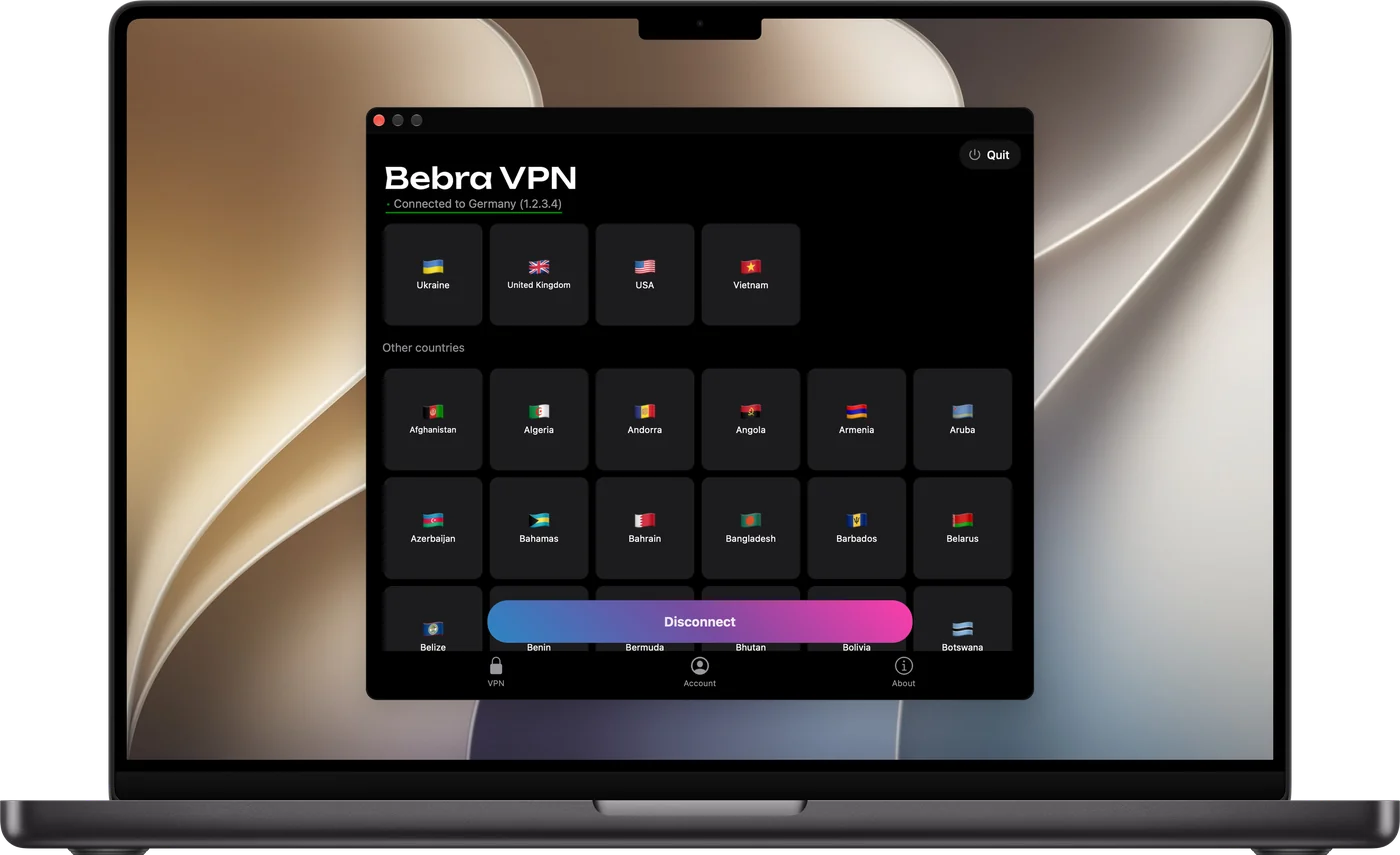
Bebra VPN has desktop apps for Windows, macOS and Linux, and all three show the same window.
Windows 7 SP1 and newer · version 1.21.0
Updated
An EXE installer for Windows 7 SP1, 8, 8.1, 10 and 11, 32-bit or 64-bit.
GuidesAll versionsWindows 11Windows 10Windows 8 and 8.1Windows 7
A DMG for macOS 12 and later, or the Mac App Store app for macOS 12.4 and later.
GuidesmacOS
A DEB package for Ubuntu 22.04+ and Debian 12+, which needs NetworkManager, plus an AppImage. x86-64 processors only.
On Windows, run the EXE. On a Mac, open the DMG or get Bebra VPN from the Mac App Store. On Linux, pick the DEB for a regular install, or start the AppImage file directly.
Windows asks for administrator rights. With the DMG, the first time you connect, macOS asks you to allow Bebra’s system extension in System Settings and then to add a VPN configuration. Choose Allow both times. The Mac App Store version only asks about the configuration.
There’s no sign-up, and the window opens in a guest account. Click a country’s flag. A new account has no subscription yet, so the app first shows Buy Bebra VPN, where you can get one. Paid on another device or on the website? Sign in to your account as described below, and from then on a click on a flag turns the VPN on straight away.
Each computer gets its own guest account when you install the app. For one subscription to cover all of them, sign in to the same account everywhere.
A one-time code is the quickest way in. On a phone that’s already signed in to the right account, open Account → Sign in on another device to get one. It stays valid for 180 seconds. In that time, open Account → Sign out on the computer, choose Sign in with code and type the digits in.
If you paid while on a guest account, open Account → Link e-mail in it first. Without an e-mail, that account can only be reopened on the computer where it was created.
Statistics
You’ve been with us for 597 days
+6 months free
190 ₽per month
5 700 ₽ in total
Buy for 5 700 ₽350 ₽per month
4 200 ₽ in total
Buy for 4 200 ₽500 ₽per month
Billed every month
Buy for 500 ₽3 days of full access, then 500 ₽ per month. The subscription renews automatically.
Yes. Click Tunnel, choose Manual and list the sites or IP addresses that should open directly. Everything else goes through the VPN, and the browser needs no extension for that.
In what it needs and how you pay. The Mac App Store version requires macOS 12.4 or later, while the DMG runs on macOS 12. In the store version you can also pay for a subscription through the App Store.
No. The DEB and AppImage builds are x86-64 only, which means Intel or AMD processors.
On Windows and Mac it keeps running, and the VPN stays on. Its icon stays in the tray by the clock on Windows and in the menu bar at the top of the screen on a Mac, and the window opens again from there. To turn the VPN off, click Disconnect at the bottom of the window.