
Download Bebra
One subscription for all your devices, with no device limit. Apps for iPhone, iPad, Android, Windows, macOS, Linux, Android TV and Apple TV.
macOS 12 and newer · version 1.21.0
Also on the Mac App Store for macOS 12.4 and newer.
iOS 15.5 and newer · version 1.21.0
For iPhone, iPad and Apple TV. Other systems are in All platforms.
Ubuntu 22.04 and newer, Debian 12 and newer, x86-64 · version 1.21.0
Or download the AppImage.
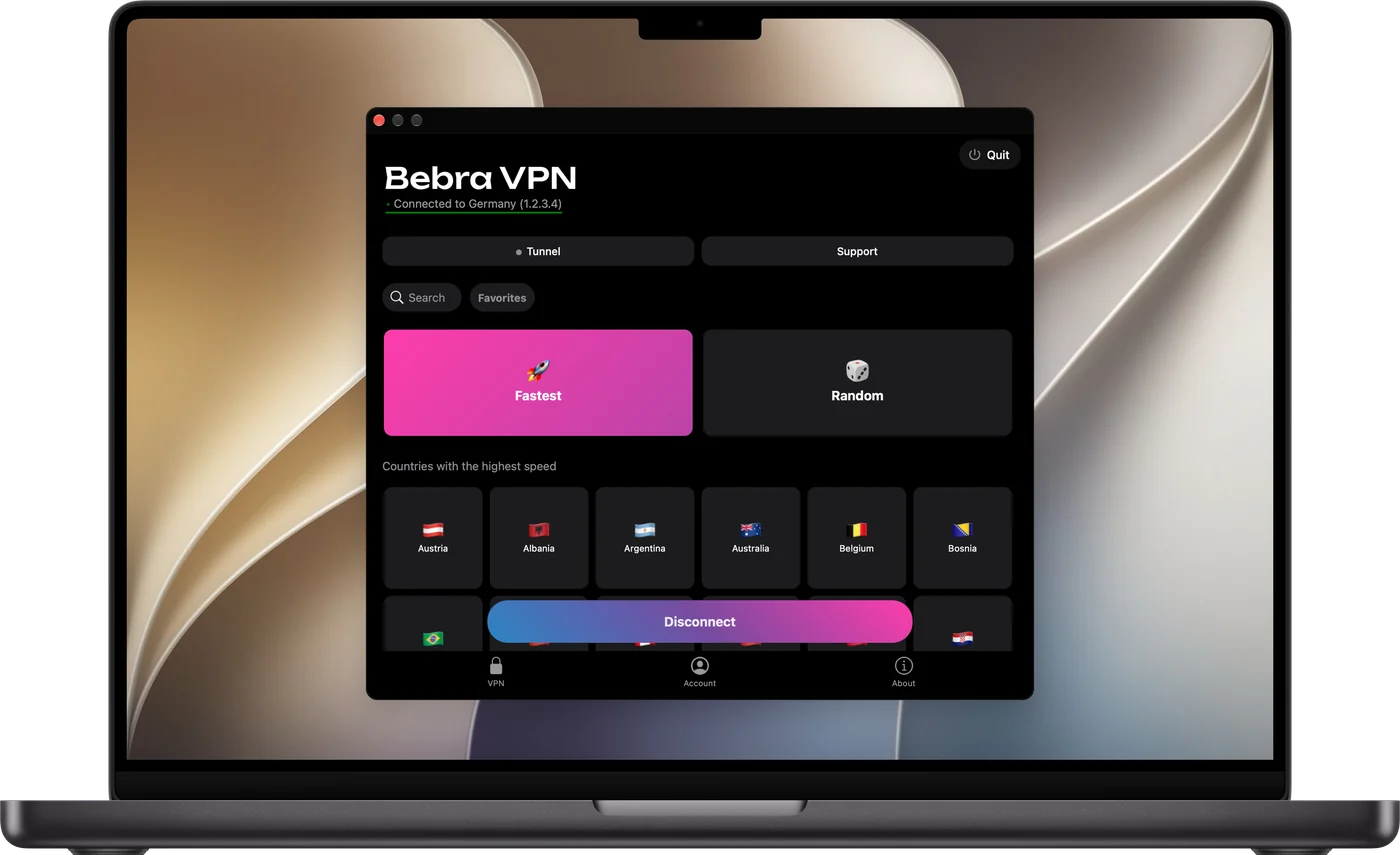
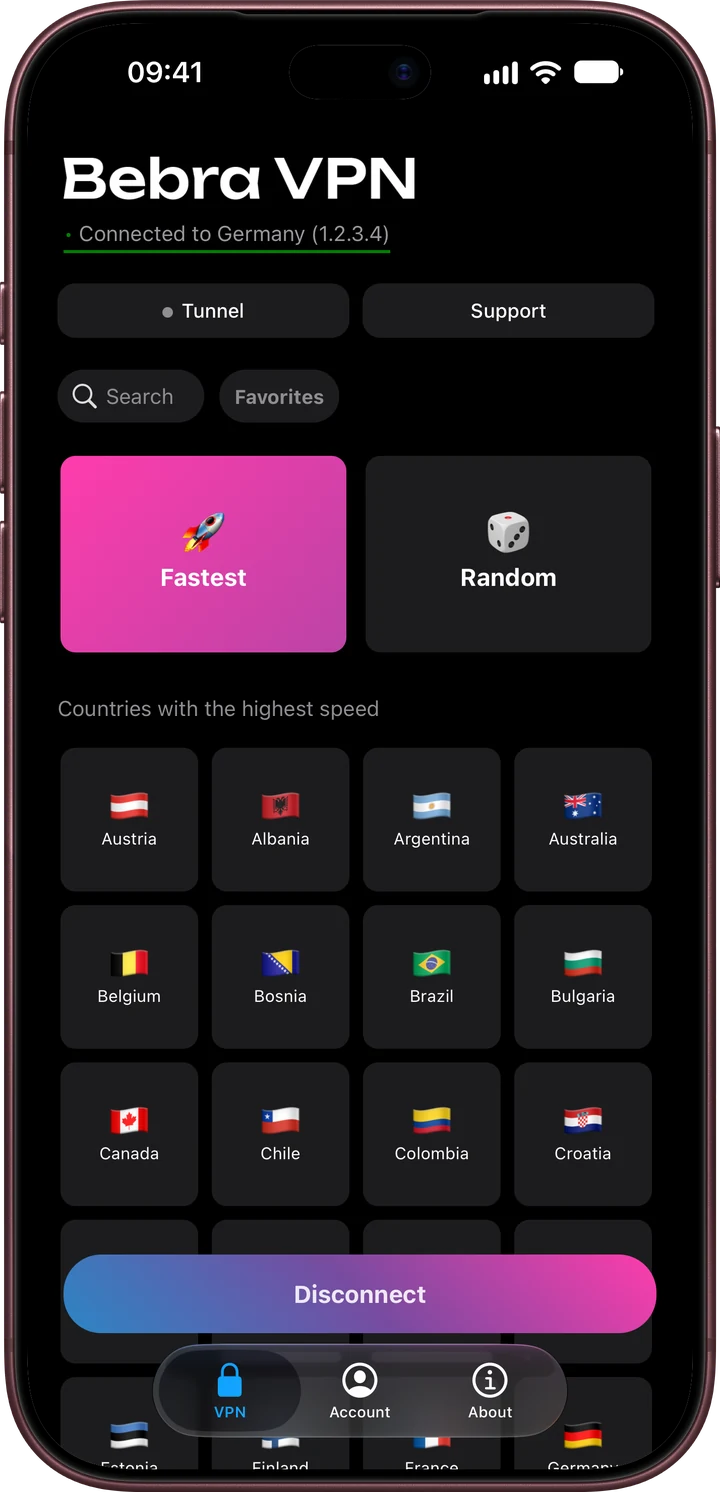
Sign in to the app
The app creates an account for the device by itself, so you can start without registration. Already paid on the site? Sign in with the e-mail of your subscription.
- 1
Open the app
Then tap Sign in with e-mail.
- 2
Enter your e-mail
Use the e-mail you paid with on the site.
- 3
Enter the code
It comes in an e-mail to that address. Type it in the app, and your subscription is there.
Apple, Google or Telegram
These work too if that account has the same e-mail as your subscription.
-
On a TV or another computer
On your phone, open Sign in on another device. It shows a one-time code; type it on the TV or computer. The dashboard can show a code too.
Example from the app
Sign in on another device
Use this one-time code to log in on another device
48271935
The code will expire in 180 sec
All platforms
iPhone and iPad 1.21.0
Android 1.21.0
Windows 1.21.0
macOS 1.21.0
Linux 1.21.0
Android TV 1.21.0
Apple TV 1.21.0
Mirrors
If the links don’t open or the download is slow, take the same file from Yandex Cloud.
If the app doesn’t install or connect, write to support. We answer 24/7.
What Bebra opens
Services
Games
Browsers
Router
Mobile internet